Why This Topic Matters
Online banking has made managing money easier then ever. You can transfer fund, pay bills, check balance, and monitor transactions from your phone or computer.
The good news is that most online banking risks can be avoided by following a few simple security practices.
Understanding Online Banking Risks
Many people believe cyber attacks only happen to large companies, but individual are targeted every day.
Common threats include:
- Phishing emails
- Fake banking websites
- Password theft
- Public Wi-Fi attacks
- Mobile malware
- Fake customer support scams
Understanding risk is the best toward protecting your money.
Use Strong and Unique Passwords
One of the simplest security measures is creating a strong password.
A secure password should:
- Be at least 12 characters long
- Include letter, number, and symbols
- Avoid personal information
- Be difference for every account
Avoid using passwords like:
- 12345678
- Password123
- Phone numbers
A password manager can help you create and store secure passwords.
Enable Two-Factor Authentication (2FA)
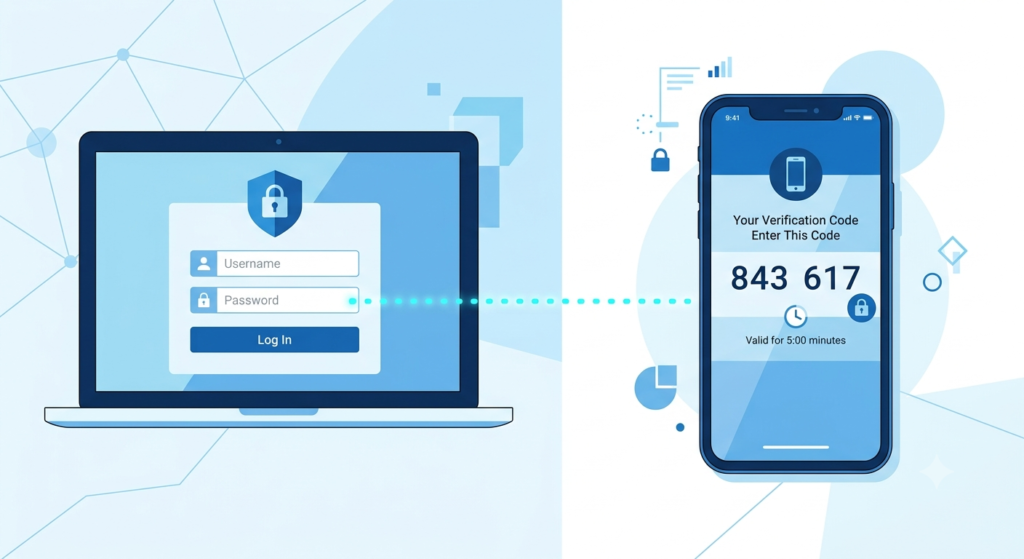
Two-factor authentication adds an extra layer of security.
With 2FA enable :
- SMS verification codes
- Authentication apps
- Security keys
Even if someone learns your password, they still cannot easily access your account.
Never Share OTPs or Banking Credentials
Banks do not ask customers to share:
- OTP codes
- PIN numbers
- Internet banking passwords
- Dabit card PINs
if someone ask for these details, it is almost certainly scam.
Always remember:
Your OTP is private.
Avoid Public Wi-Fi for Banking
Public Wi-Fi networks are convenient but often insecure.
Avoid accessing online banking through:
- Airports
- Cafes
- Hotels
- Public hotspots
If necessary, use:
- Mobile data
- A trusted home network
- A secure VPN
This reduces the risk of data theft.
Verify Websites Before Logging In
Many fraudsters create fake website that look similar to real banking portals.
Before entering the login details:
- Check the website address carefully
- Look for HTTPS security
- Bookmark your bank’s official website
A small spelling difference in a URL can indicate a fake site.
Monitor Your Account Regularly
Checking your account frequently helps you identify suspicious activity quickly.
Review:
- Account balances
- Recent transactions
- Payment history
- ATM withdrawal
Early detection can prevent larger losses.
Keep Your Devices Updated
Software updates often contain security improvements.
Update regularly:
- Mobile phones
- Tablets
- Laptops
- Banking apps
- Web browsers
Outdated software can create security vulnerabilities.
Be Careful with Email and Massages
Scammers often send fake emails that appear to come from Banks
Warning signs include:
- Urgent requests
- Suspicious links
- Grammar mistakes
- Unexpected attachments
Never click links unless you are certain they are genuine.
Use Official Banking Apps Only
Download banking apps only from:
- Google Play Store
- Apple App Store
Avoid the party website and only verify website to download
Common Online Banking Mistakes
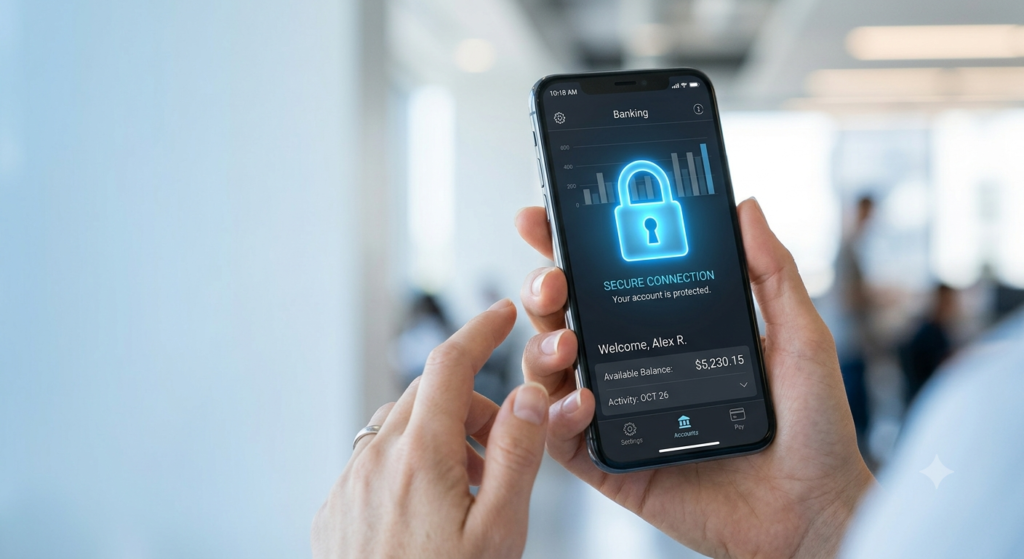
Many security problems happen because of simple mistakes
Avoid:
- Using weak passwords
- Ignoring updates
- Sharing OTPs
- Clicking unknown links
- Logging in through public Wi-Fi
Small precautions can provide strong protection.
Conclusion
Online banking is safe when used responsibly. Most security threats can be prevented by following basic safety practices and staying alert.
Protecting your account is not complicated. Strong passwords, Two-Factor, Authentication, secure networks, and regular monitoring can significantly reduce risks.